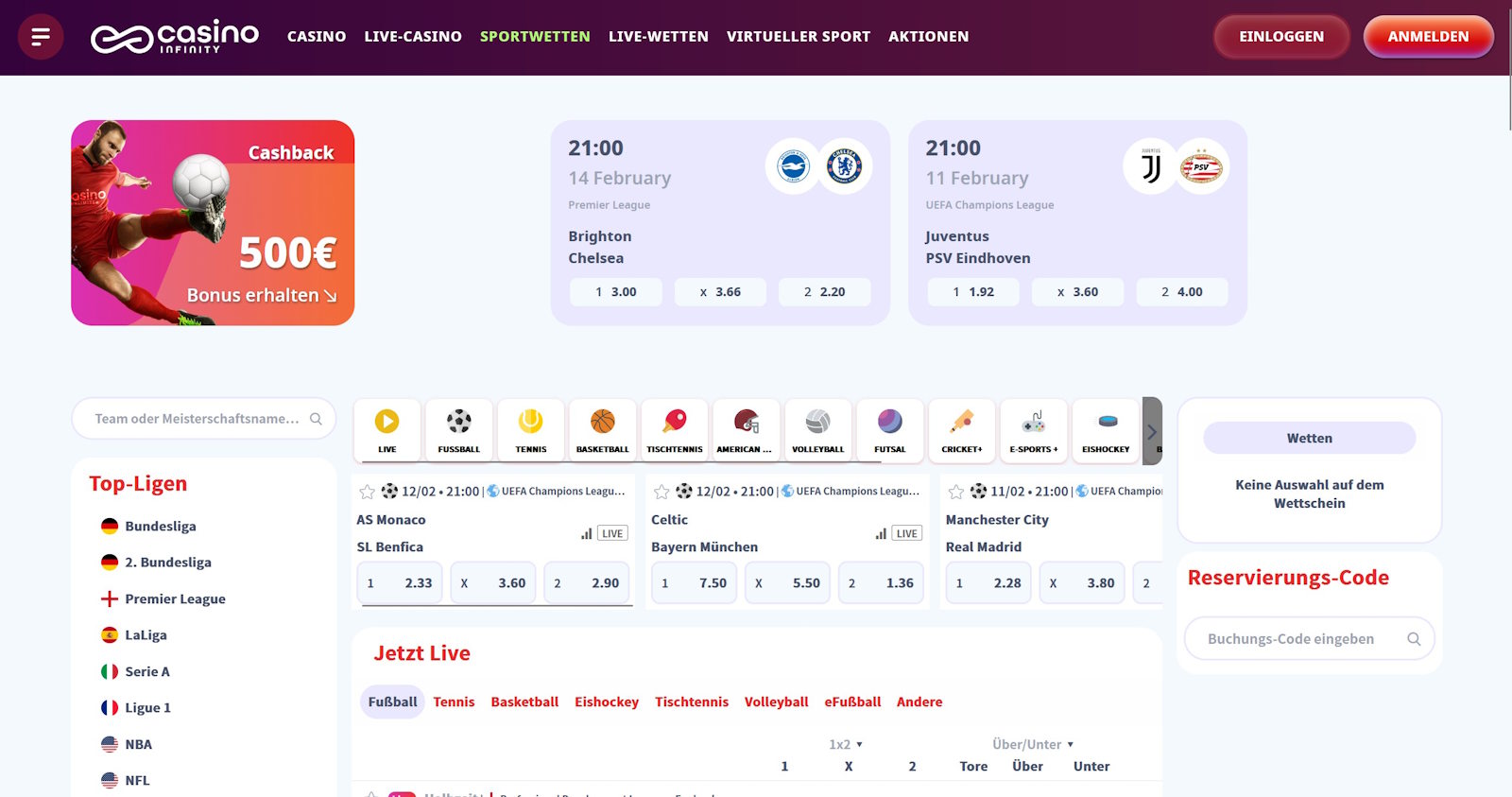
Creating an account at Casino Infinity is easy and safe https://infinity-casino.net/fr-ch/login/. The registration form asks for just the fundamentals that the license requires. If you reside in Switzerland, you can change the site to French, German, or Italian. Before you start, prepare your email address, phone number, and an ID document. You’ll need them for verification down the line.
Creating Your Casino Infinity Account – Step-by-Step Sign-Up
- Click the “Register” or “Sign Up” button on the homepage.
- Enter your full name, date of birth, home address, and preferred currency. Every field is compulsory. Double-check that everything’s accurate, or verification may become delayed.
- Select a strong password and a display nickname. Your email address will serve as your permanent login ID.
- Accept the terms, verify you’re of legal age, and review your inbox for a verification link. Click it to confirm your email. Until you do, some features will be unavailable.
Conditions and Prerequisites for Swiss Players
If you live in Switzerland, you need to be 18 or older. Casino Infinity operates under an international license and does not block Swiss IPs, but it is your responsibility to verify that online gambling is legal in your canton. The license details are in the footer. You’re allowed one account only; duplicates are terminated.
Have your personal details correct from the start. The address you use needs to match the proof-of-address document you’ll send later. If you give fake info, your account may be closed and any winnings lost. So double-check everything now to prevent headaches when you wish to withdraw.
Establishing Login Credentials Securely
Pick a password that mixes letters, numbers, and symbols. Keep it something not easy to guess. The email you use becomes your login, so protect that account with a strong password and two-factor authentication (2FA) if you can do so. Casino Infinity keeps passwords as salted hashes, which means nobody ever views your actual password in plain text.
You could encounter a security question during signup. Choose one with an answer that is not displayed all over your social media. It’s an extra safety net. All your credentials are protected both in transit and at rest. So you can be confident that your login data enjoys the same level of protection you’d look for from any serious site.
Resolving Login and Account Access Issues

Authentication issues happen, but most are straightforward to fix. The typical cause? A wrong password. Confirm that caps lock is off and your keyboard language is configured correctly. If your browser auto-filled an old password, delete it and enter it yourself. If you’re still stuck, the fixes below should resolve specific issues.
Password Recovery
Select “Forgot Password?” on the login page, input the email you signed up with, and we’ll send you a reset link that has an expiration. If you don’t see it, review your spam folder. Follow the link to set a new strong password. For security, all your active sessions get terminated. If you can’t access that email anymore, reach out to support. They’ll verify your identity and help you update it.
Steps for a Locked Account
Too many wrong login attempts will restrict you for 15 to 30 minutes. Often, following the password reset process lifts the lock. If it doesn’t, you might be in a self-exclusion period or under a security review. Self-exclusion locks can’t be lifted until the time you chose is up. If you’re locked out suddenly, contact support to find out why.
Browser/Device Troubleshooting
Built-up cache and cookies can interfere with login. Erase your browser data for Casino Infinity or use another browser. Make sure your browser is recent; old versions might not accommodate modern encryption. If the login button isn’t working, attempt disabling ad-blockers or VPN extensions for a moment. On mobile, wiping the app cache or re-installing can resolve a login loop.
Geo‑Restriction and VPN Conflicts
Casino Infinity checks your IP location to maintain compliance with letemps.ch its license. Switzerland is okay, but if your VPN connects through a restricted country, you’ll get barred. Disconnect the VPN or select a Swiss server. Public Wi-Fi sometimes blocks gambling sites too. Consider switching to mobile data. If it still doesn’t work, send the error message to support; they might approve your IP.
Issues with Account Status
If your account isn’t verified yet, you might have reduced access but you should still be able to log in. A suspended account (for breaking terms) will present a specific message. Get in touch with support to get the details. If you’ve self-excluded, you won’t be able to log in until that period is over. Suspect your account was flagged by mistake? Submit any related emails to support so they can take another look.
Protection Systems Securing Your Casino Infinity Login
The login page uses TLS encryption, so your credentials transit safely. Robust firewalls and intrusion detection systems watch traffic and stop shady IPs. Session tokens time out after you’ve been inactive for a while. From leparisien.fr your account settings, you can view every active session, including device type and location, and terminate any you don’t recognize.
Data Encryption and Safe Connections
Everything you transfer and receive is encrypted over HTTPS. That padlock icon in your browser signifies the certificate is valid. Your login info, personal details, and payments are all secured. Passwords get stored as salted hashes, never in plain text. When you log in, the password you type is hashed and compared, so your actual password never travels in a form that could be recovered.
Monitoring and Suspicious Activity Alerts
The security team watches for odd behavior, like a login from a new country or a bunch of failed attempts. Automated alerts might momentarily restrict your account and send you an email to confirm it’s really you. You can activate login notifications to receive an alert every time your account is accessed. If you spot a login you don’t recognize, update your password right away and check your session history.
Signing In to Your Casino Infinity Profile – Safe Login and First Steps
Once your account is active, go to the login page and type in your email and password. On a desktop, you’ll find the login form in the top-right corner; on mobile, it’s tucked behind the menu. The page is encrypted with HTTPS. Find the padlock icon. If you choose French, German, or Italian, toggle the language and the whole site adjusts.
There’s a “Remember Me” checkbox that saves an encrypted token so you stay signed in on your own device. Leave it unchecked on public or shared computers. If you lose a device, you can end all active sessions from your account settings or by getting in touch with support. Once you’ve logged in, the lobby displays you game categories, current promos, and your balance.
A wise first move is to complete verification right away, even before you make a deposit. That way, withdrawals won’t get stuck later. The verification center is in your account menu. While you are at it, you can establish deposit limits and explore the responsible gambling tools.
Two‑Factor Authentication (2FA) Setup
Casino Infinity is compatible with authenticator apps like Google Authenticator for 2FA. After your first login, access security settings to activate it. Read the QR code, type in a test code to confirm, and store those backup recovery codes somewhere safe. With 2FA on, every login demands a one-time code, so even if someone gets your password, they cannot get in.
Misplaced your 2FA device? Support can deactivate it, but they’ll verify your identity thoroughly first. If you are often on the move, keep those backup codes close by. 2FA cuts the risk of someone compromising your account dramatically, so we urge it for everyone in Switzerland.
Identity Verification and KYC – Paperwork and Procedure
You’ll need to complete KYC (Know Your Customer) verification ahead of you can make your first withdrawal. It’s in place to deter fraud and comply with anti-money laundering rules. Swiss players can provide their documents early to avoid the wait. The verification team reviews that everything is valid and aligns with your registration info. Once confirmed, a verified badge appears in your dashboard.
Necessary Documents for Swiss Players
You’ll usually need three types of documents:
- A color copy of a official government-issued photo ID: passport, identity card, or Swiss driver’s license. Ensure all four corners are visible and the photo is sharp.
- Address verification: a utility bill, bank statement, or official letter from the last three months with your full name and current address.
- Proof you own the payment method: a photo of your card with the middle digits hidden, or an e-wallet screenshot showing your name and email.
Submit everything as a PDF, JPEG, or PNG through the safe portal.
Submitting Verification Documents

Log in, head to the verification section, select the document type, and upload your file. The system secures everything you send. You’ll obtain an automated confirmation with a reference number. Generally, the review team contacts you within 24 to 48 hours. If something gets rejected, they’ll let you know exactly why, and you can correct it and re-upload. There’s no need to begin again.
Review Schedules and Subsequent Action
Most verifications wrap up within one business day. Tricky cases can take up to 72 hours. Avoid requesting a withdrawal until your verification is approved; pending checks will delay your cashout. If you haven’t received a response after three working days, get in touch with support via live chat or email and give them your reference number for an update.
Overseeing Your Account Settings After Login
Your account dashboard is where you manage personal details, modify your password, process payment methods, and use responsible gambling tools. Update everything; it’s essential for verification and easy withdrawals. If you move, update your address prior to submitting new documents. An old email address can prevent access of password resets, so make sure your contact info stays current.
Editing Personal and Contact Information
To modify your email or phone number, you must to confirm a code delivered to the new contact. Changing your name or date of birth is more restricted. You’ll have to contact support and submit legal documents. You can adjust your promo communication preferences at any time, but we still send you transactional emails about deposits and security alerts. Any sensitive changes could trigger a re-verification, to ensure safety.
Gambling Responsibility Tools and Limits
Casino Infinity provides you deposit limits, session reminders, and self-exclusion options. You can configure deposit limits daily, weekly, or monthly. Decreasing a limit kicks in at once; boosting it comes with a cooling-off period. Reality checks pop up at intervals you pick to display how long you have been playing and your net result. A cool-off halts your account, and self-exclusion blocks access for six months or more. You can also find links to Swiss support organizations.
Once you master the login, verification, and security tools, your experience at Casino Infinity ought to be smooth sailing. Enable 2FA, finish KYC early, and use the responsible gambling features, and that’ll dodge most common snags. Should questions come up, the support team and the FAQ below have your back, making account management simple and secure.
FAQ
What documents does Casino Infinity need for account verification originating from Switzerland?
You will need a current government-issued photo ID, a recent utility bill or bank statement that indicates your registered address, and in some cases proof that you own the payment method. The address document cannot be older than three months. Submit everything as a PDF, JPEG, or PNG through the secure verification portal in your account area.
What duration does the verification process take at Casino Infinity?
Generally, the team examines your documents within 24 to 48 hours. If they’re busy or they conduct extra checks, it might stretch to 72 hours. You can track the status in your dashboard. If something is declined, they’ll inform you of the cause, and you can fix it and resubmit. There’s no need to start from scratch.
Am I able to enable two‑factor authentication on my Casino Infinity account?
Absolutely, and we really recommend it. Access your account, go to security settings, scan the QR code with an authenticator app, and type in a test code. After that, every login will demand a one-time code from the app, an extra strong layer against anyone trying to sneak in.
What’s the procedure if I can’t remember my Casino Infinity password?
Hit “Forgot Password?” on the login page, type in your registered email, and we’ll send a reset link. Click it to make a new strong password. If you can’t get into that email anymore, contact support. They’ll verify your identity with security questions and help you get back in.
What causes my Casino Infinity account locked after several login attempts?
Too many wrong tries triggers a temporary lockout (usually 15 to 30 minutes). Going through the password reset often clears it. If it stays locked, reach out to support. There might be another reason, like self-exclusion or a security review flag.
Is it true that Casino Infinity accept players from all Swiss cantons?
Casino Infinity generally welcomes Swiss players, but it’s up to you to make sure online gambling is allowed in your canton. The casino runs on an international license and doesn’t block Swiss IPs. Check your local rules before you sign up and play.
How can I update my registered email address after creating an account?
Log in, go to account settings, choose to change your email, enter the new address, and confirm it with the verification code sent to that new inbox. For security, your old email might get a heads-up too. If you run into problems, support can help after they verify your identity.